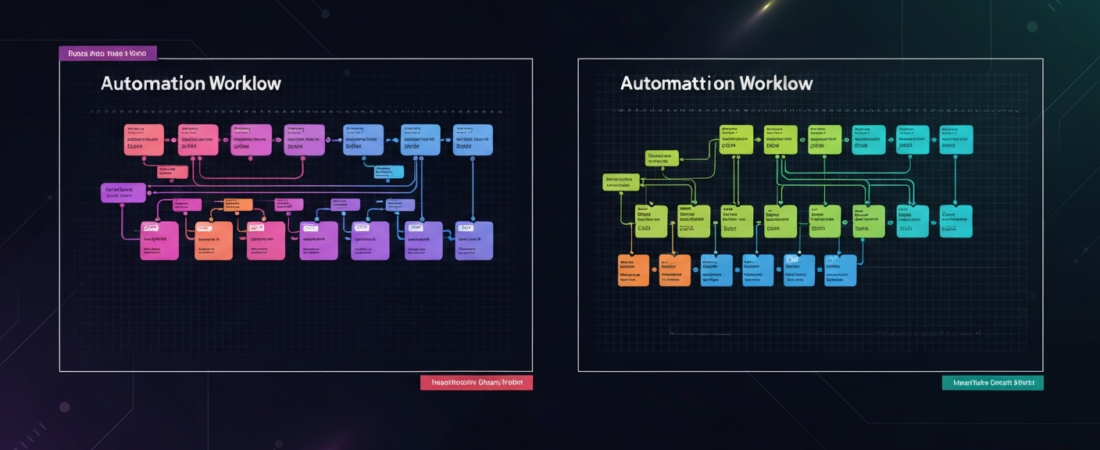
The automation platform landscape has shifted significantly. Zapier dominated for years as the default choice. n8n emerged as the open-source alternative with more power and flexibility. In 2026, both platforms have added significant AI capabilities, and the choice between them matters more than ever because the cost differential has grown substantially.
Here’s the honest comparison — what each is actually good for, and who should use which.
The Core Difference
Zapier is a SaaS product designed for non-technical users. It prioritizes ease of use, has a massive app library (6,000+ integrations), and charges premium prices. You don’t need to understand code or infrastructure.
n8n is open-source workflow automation that you can self-host (free) or use their cloud version. It’s more technically demanding but orders of magnitude cheaper at scale, and more flexible for complex automations. It has a code node that lets you write JavaScript inline when the visual builder isn’t enough.
Pricing: The Biggest Differentiator
Zapier Pricing (2026)
- Free: 100 tasks/month, 2-step Zaps only
- Starter: $19.99/month — 750 tasks, multi-step Zaps
- Professional: $49/month — 2,000 tasks, unlimited steps
- Team: $69/month — 2,000 tasks, sharing features
- Company: $99/month — 50,000 tasks, advanced features
The critical constraint: Zapier charges per “task” (each action in a workflow). A 5-step Zap running 1,000 times = 5,000 tasks. At scale, costs escalate rapidly.
n8n Pricing
- Self-hosted: Free forever (infrastructure costs only — typically $5-20/month on a VPS)
- Cloud Starter: $20/month — 2,500 workflow executions
- Cloud Pro: $50/month — 10,000 executions, custom variables
- Enterprise: Custom pricing
n8n charges per execution (full workflow run), not per step. That’s a fundamental difference. A 10-step n8n workflow running 1,000 times = 1,000 executions. On Zapier, that’s 10,000 tasks.
Cost Example at Scale
| Scenario | Zapier Cost/Month | n8n Cost/Month |
|---|---|---|
| 10 automations, 100 runs/each, 5 steps each | ~$49 (5,000 tasks) | ~$20 (1,000 executions) |
| 50 automations, 500 runs/each, 8 steps each | ~$599+ (200,000 tasks) | ~$50 (25,000 executions) |
| Self-hosted n8n (any volume) | N/A | ~$10-20 (VPS only) |
App Integrations: Zapier Wins Significantly
Zapier has 6,000+ native integrations. n8n has approximately 400+. For most common business tools (Gmail, Slack, Salesforce, HubSpot, Stripe, Shopify), both cover them. But if you need a niche app, Zapier almost certainly has it built already.
n8n’s answer: an HTTP Request node that can connect to any API. If the app has an API (most do), n8n can automate it — you just have to configure the API connection manually rather than using a pre-built integration. This requires more setup but unlocks any tool in existence.
AI Integrations: Both Have Improved, n8n Is More Flexible
Zapier added AI features (Zapier Central, AI Actions) that allow ChatGPT to trigger Zapier actions via natural language. It’s impressive but mostly for simple tasks.
n8n’s AI approach is more developer-centric:
- LangChain nodes for building AI agent workflows
- OpenAI, Anthropic, and other model integrations
- AI Agent node that can call tools, reason through tasks, and loop
- Vector store integrations for RAG (retrieval-augmented generation) workflows
For serious AI workflow automation — building AI agents that take autonomous action in your business systems — n8n’s architecture is substantially more capable. Building a LangChain agent in Zapier is kludgy; in n8n it’s native.
Self-Hosting: n8n’s Biggest Advantage
n8n can be installed on any server or VPS in minutes:
docker run -d --name n8n -p 5678:5678 -e N8N_HOST=your-domain.com -v ~/.n8n:/home/node/.n8n n8nio/n8nSelf-hosting means:
- Your sensitive data never leaves your infrastructure
- No usage limits (run unlimited workflows)
- Costs ~$5-20/month for a VPS regardless of usage volume
- Full control over updates and data retention
For businesses with data compliance requirements (HIPAA, GDPR), self-hosted n8n is often the only acceptable option. Zapier keeps your data on their servers by definition.
Ease of Use: Zapier Wins
Zapier’s no-code interface is genuinely accessible to non-technical users. Setting up a Zap is approachable with no prior experience. n8n’s visual builder is more complex — more nodes, more configuration options, and occasional JSON editing required.
Learning curve comparison:
- Zapier: 30 minutes to first useful automation
- n8n: 2-4 hours to first useful automation, 10-20 hours to feel comfortable
Who Should Use What
Use Zapier if:
- Non-technical team building simple automations
- Need rapid deployment without infrastructure setup
- Using many niche apps not covered by n8n
- Automation volume is low (under 1,000 runs/month)
Use n8n if:
- Technical user or developer
- High automation volume (cost savings are significant)
- Building AI agent workflows
- Data privacy/compliance requirements
- Need to customize beyond what GUI builders allow
For more AI automation guides, see our full AI automation series including our comparison of Make.com vs Zapier vs n8n, and our guide to building an AI research stack. Access our automation tools and resources at orbitalinvestor.com/products.
Continue Reading:
- Make.com vs Zapier vs n8n: Which Automation Tool Wins in 2026?
- 5 AI Automations You Can Run Tonight
- How to Build an AI Research Stack for Under $50/Month
Browse all our analysis at orbitalinvestor.com/blog or see our premium tools at Products.
Get weekly insights like this — free.
Space stocks, AI automation, and trading strategies. Join the Orbital Returns newsletter and stay ahead of the market.